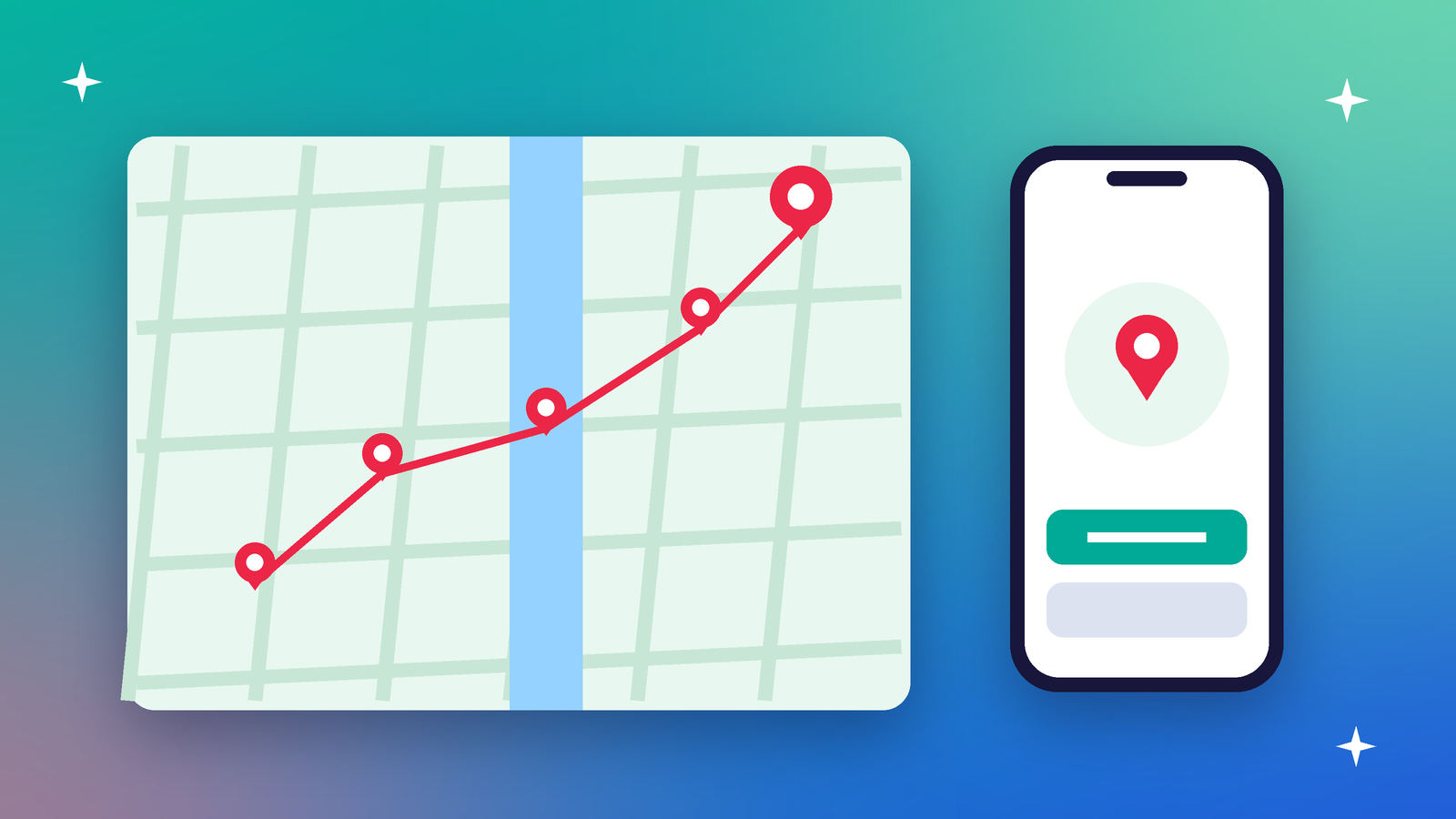
Open your phone's map history, if it keeps one, and scroll back a month. You'll see your home. Your office. The gym you went to twice. The hospital visit. The place you stay over on weekends.
None of those pins seemed sensitive on its own. Together, our reading is that they sketch a life more precisely than most people would tell a stranger.
How your phone knows where you are
It isn't just GPS. On an iPhone, location comes from GPS, Bluetooth, and crowd-sourced Wi-Fi hotspots and cellular towers. Android uses similar signals. So turning off GPS alone doesn't make you invisible.
The two choices that matter
Phones give every app two separate decisions about location. Android describes them neatly: access is either foreground or background, and either precise or approximate.
When can the app see you?
- While using the app: on iPhone, location only flows when the app or one of its features is on screen.
- Always: the app can see your location even when it's in the background. This is the setting that builds a full history.
How exactly can it see you?
- Precise: your exact spot.
- Approximate: iPhone lets you share only a rough area by turning off Precise Location. A weather app needs your city, not your doorstep.
Signs an app is using location
On iPhone, the status bar can turn blue when an app set to While Using is actively using location. On Android, when an app keeps location running through a background service, the system shows a persistent notification. If you see these and can't think why, investigate.
A ten-minute audit
- Open location settings. On iPhone: Settings, Privacy and Security, Location Services. On Android, look under Location and app permissions.
- Find every app set to Always. For most, change it to While Using, or Never.
- Turn off precise location for apps that only need a rough area, like weather or news.
- Remove access from apps you no longer use. Better still, delete them.
- Check again after updates. Apps sometimes ask again, hoping you'll tap yes.
The question to ask any app
Does this feature work without knowing exactly where I am, all the time? For ride-hailing or maps, the answer is no, and that's fine. For a torch, a game or a shopping app, there's rarely a good answer, so the setting should be off.